
Forum index / Photoshop, Editing & Design / Premiere help!

Premiere help!

6 posts · page 1 of 1

post #1
29 June 2006, 05:21 UTC#1
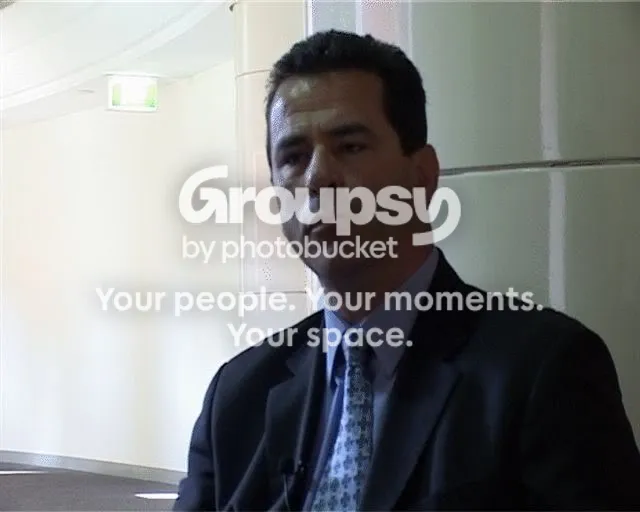
Ive forgotten how to do this. I have a scene that I need to brighten up but I only want to brighten up the subject and not the background. Is there anyway I can just adjust the levels on part of this frame?

I used to be able to do it but ive forgotten how. I think it had something to do with doing a key in photoshop or something.

screencap below.
IPB Image
post #2
29 June 2006, 12:08 UTC#2
I can't recall it just now how to do this step by step but I would probably do it the same way as when you blur a part of the video, ie a face. You just use the brighness effect instead of the blur effect.

A good video tutorial how to do this can be found here http://www.wrigleyvideo.com/videotutorial/...ro_blurface.htm
post #3
29 June 2006, 17:45 UTC#3
tool it and mess with the brigness and contrast...it's one of the effects
post #4
30 June 2006, 11:56 UTC#4
tool it? explain please
post #5
30 June 2006, 12:25 UTC#5
do you have adobe premiere pro?
post #6
30 June 2006, 13:01 UTC#6
yeah 1.5. I probably know how to do it once you explain what it is. I just haven't heard about tooling before :)